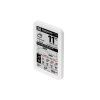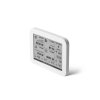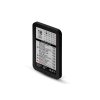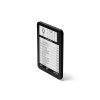
EVENT STATION 10"
EVENT STATION Smart wall-mounted e-ink calendar that displays up to 8 online calendars (Google, iCloud, iCal…) in a single clear overview. Readable like paper, without backlight and without distraction. It also includes a home weather station – temperature, humidity, and air pressure. One glance and you know what matters today.
| Category: | Monitoring |
|---|---|
| Weight: | 0.3 kg |
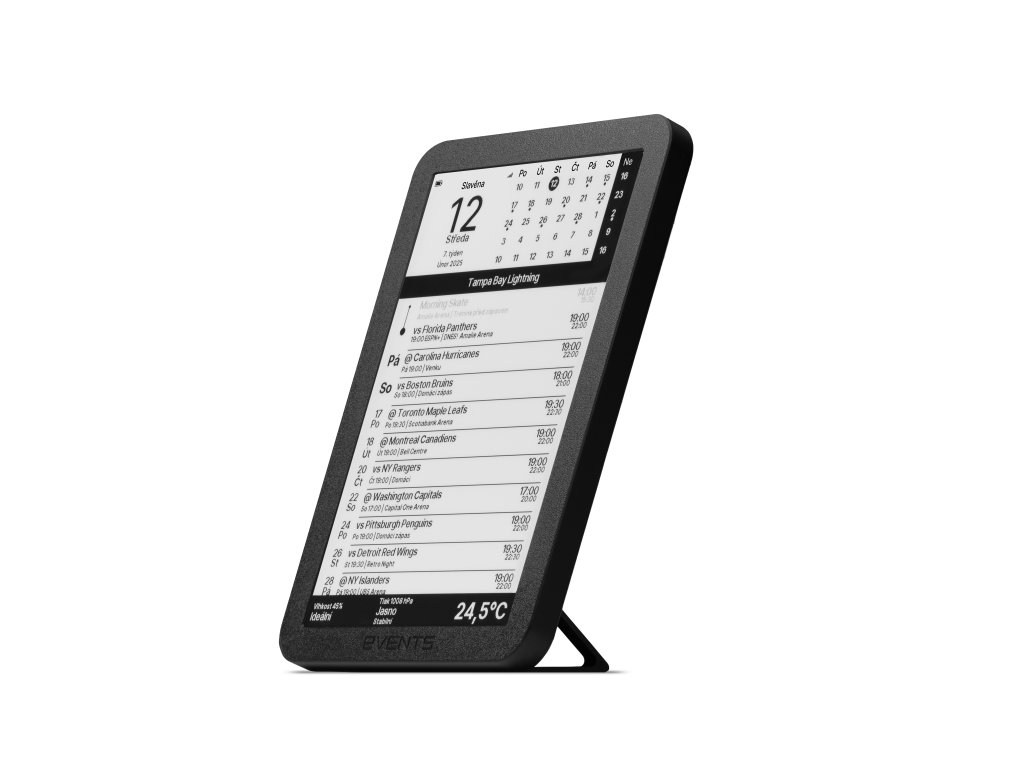
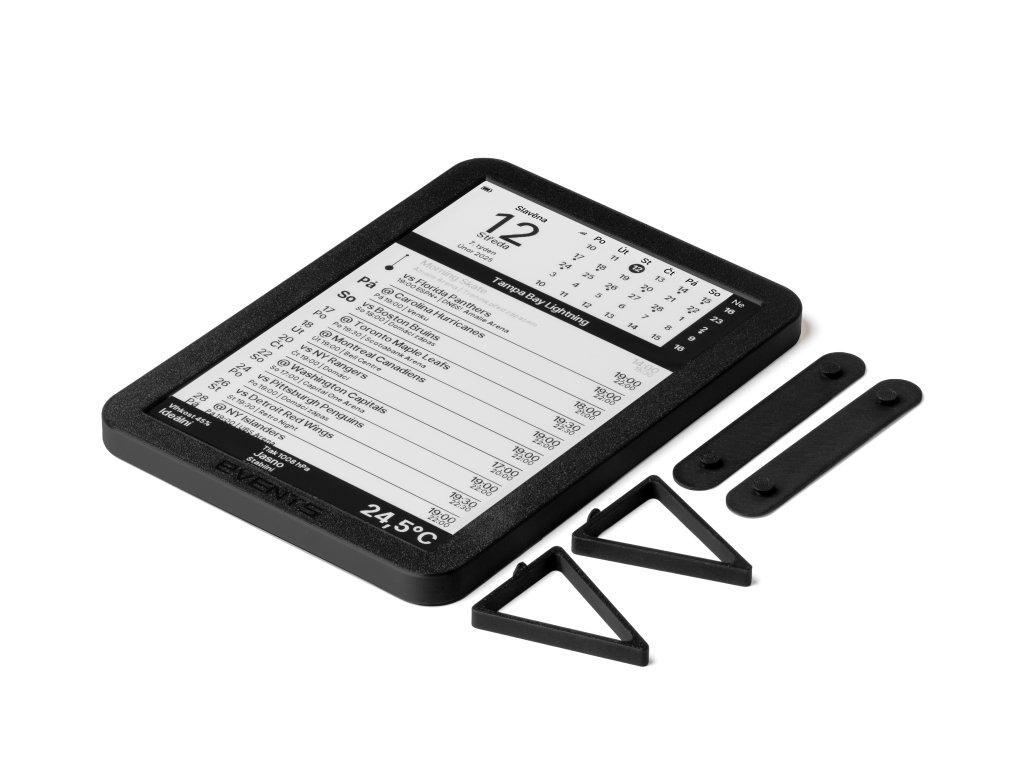

EVENT STATION
smart e-ink calendar + home weather stationEVENT STATION is an elegant wall-mounted e-ink calendar that takes your online calendars (Google, iCloud, Nextcloud, corporate calendars, and public iCal links) and turns them into a clear "dashboard" of events. One glance and you know who's going where, what starts soon, and what you must not forget today.
The e-ink display behaves like paper – it doesn't glow, doesn't disturb at night, is perfectly readable even in daylight, and thanks to power-saving mode, it lasts a long time on battery. Plus, your family will understand it right away: Sundays and important events are highlighted in red.
Who is EVENT STATION for?
For everyone who has a calendar on their phone – but at home or in the office still asks "what's on today", "when do we leave", or "is the meeting room free?". EVENTS turn events into an overview visible at first glance.
Home and Family
- shared family calendar in the kitchen,
- activities, doctors, daycare, meetings,
- holidays and name days automatically.
Business and Operations
- meeting room schedule at the door,
- training, shifts, and events schedule,
- overview for team and visitors.
Community and Property Management
- HOA: inspections, maintenance, meter readings, meetings,
- shared spaces and reservations,
- all information in one place.
_2B.jpg)
Family Calendar
Activities, doctors, school events, and family meetings. One calm overview for the whole household – without constantly asking "what's on today".
What appears on the display?
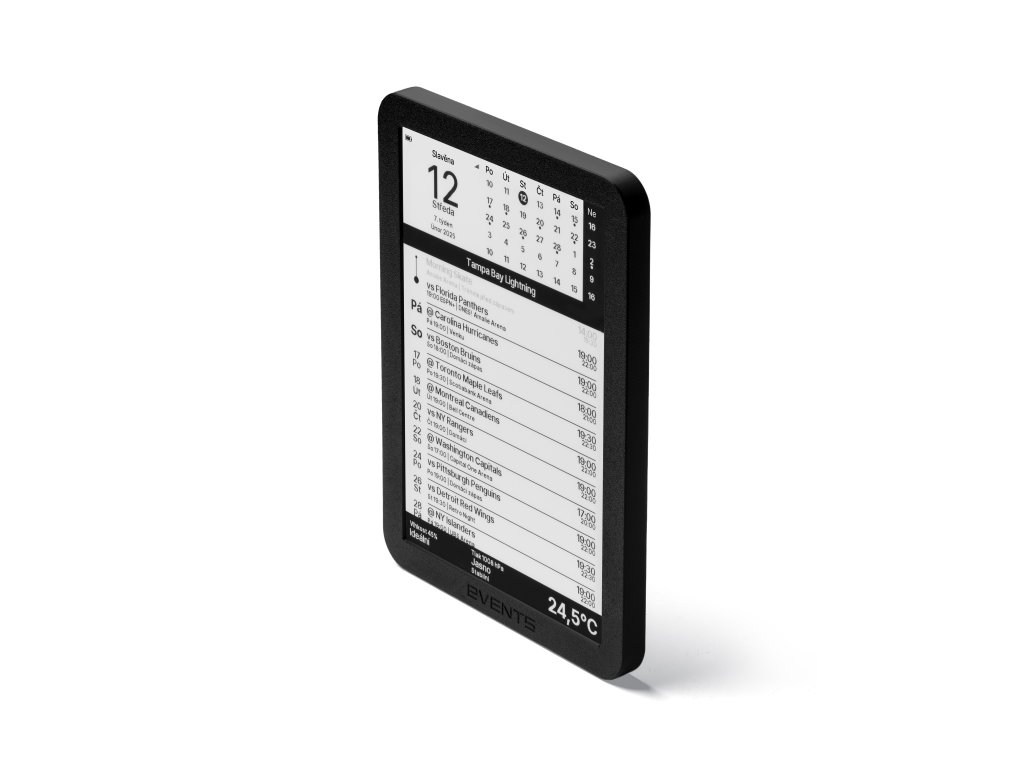
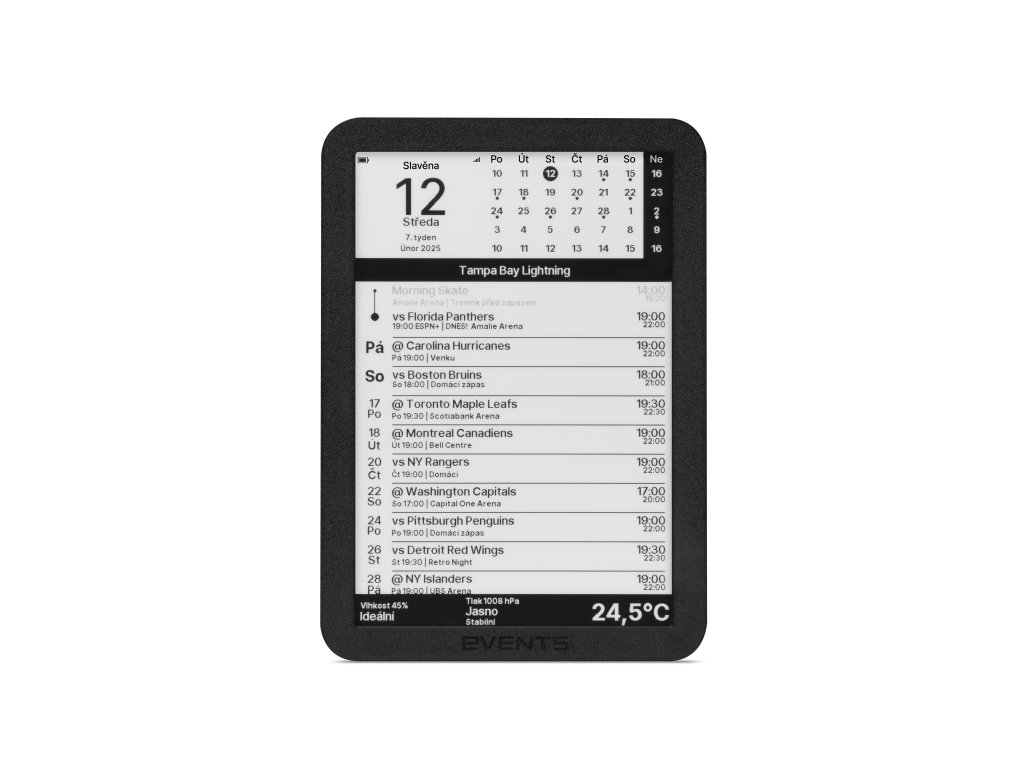
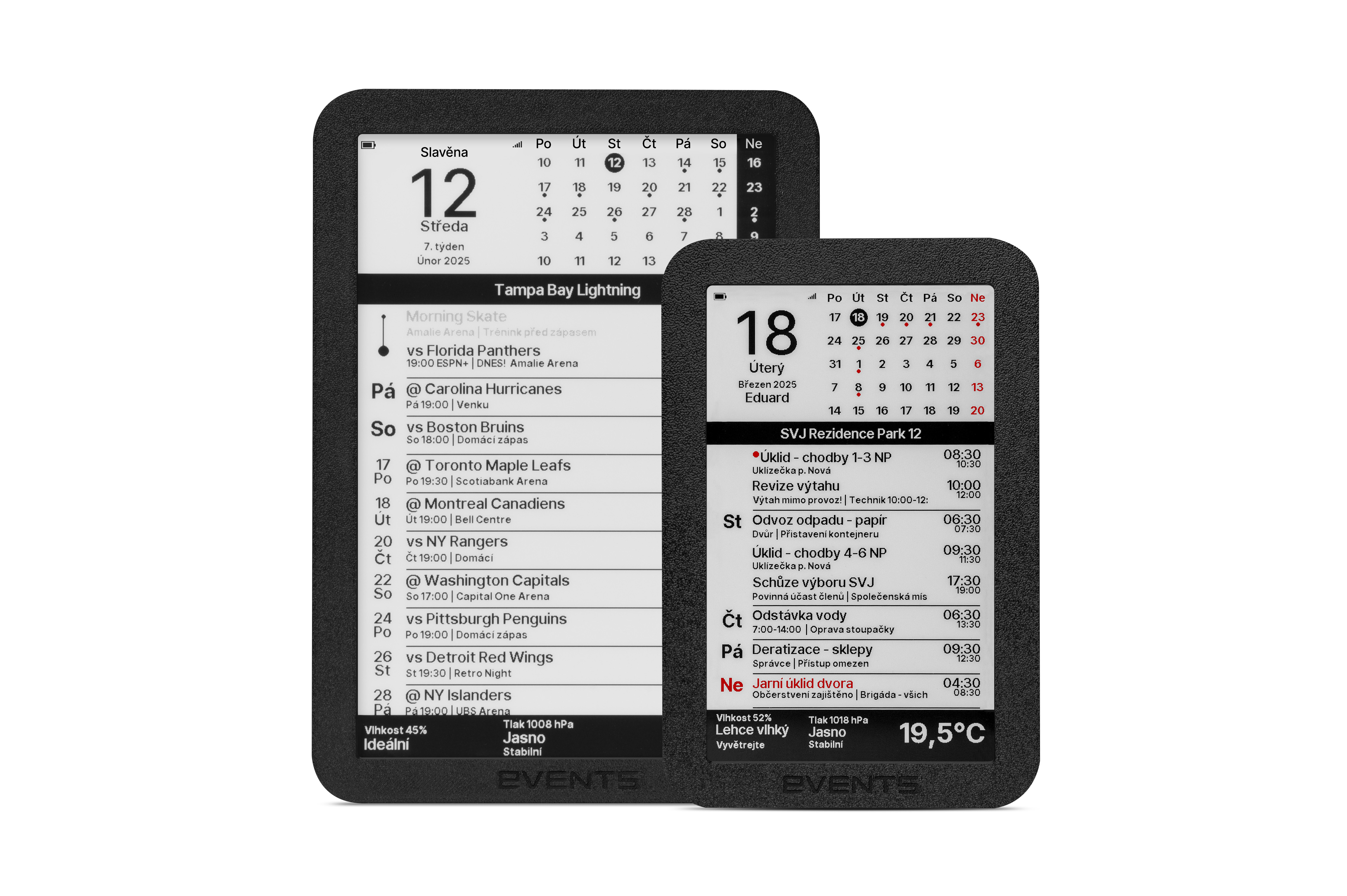
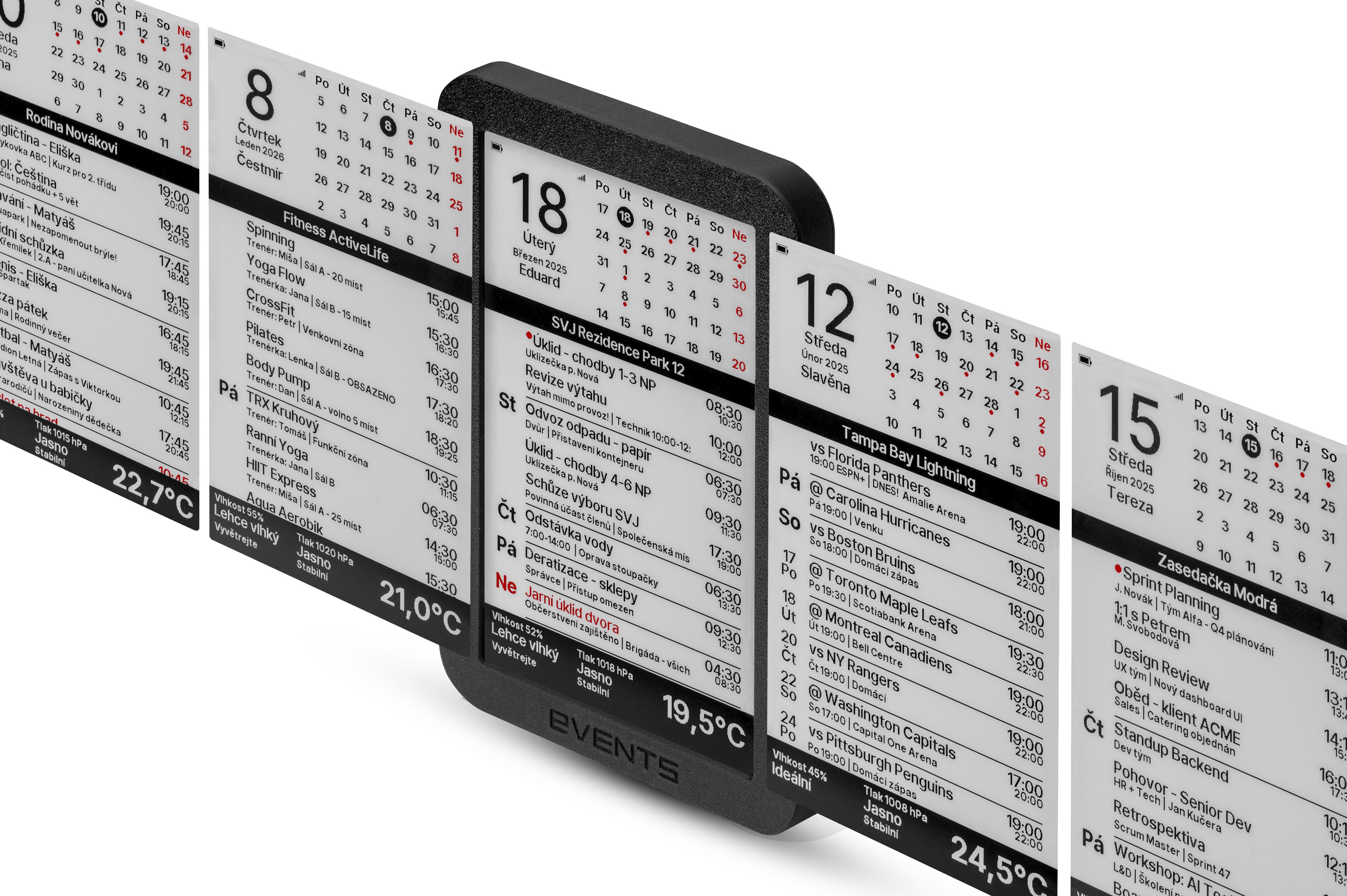
EVENTS organize your events into a clear schedule – readable even from a distance. The display is portrait-oriented, with no touchscreen or buttons – it simply always shows your upcoming events. No scrolling, no searching in apps.
- •Large day number + day and month name.
- •Name days / holidays – automatically by date (Czech and Polish name days included).
- •Mini calendar for 5 weeks with dots on days with events.
- •Event list – up to 32 upcoming (all-day and timed).
- •Event details – title, description, and location (if in calendar).
- •Multi-day events and indicator of what's currently running.
- •Sundays and important items in red – quick orientation without thinking.
- •Adjustable density – compact (more events), normal, or large font (ideal for seniors).
_3A.jpg)
Meeting Room Schedule
Room availability and upcoming meetings right at the door. Everyone immediately knows if it's free – no explanations or interruptions needed.
Calendar Connection (Google / iCloud / Outlook / Nextcloud…)
EVENTS can connect up to 8 calendars at once and merge them into one overview. Works with public iCal links and common sync accounts used by Google Calendar, Apple iCloud, Microsoft Outlook (Outlook.com, Microsoft 365), or Nextcloud.
- regularly downloads new events via Wi-Fi,
- connection is encrypted (your data isn't sent "in the open"),
- supports fast sources with efficient data transfer,
- merges and sorts events so they make sense.
Result: at home you see family + work + school + sports on one screen – without switching accounts.
Smart Details That Give Peace of Mind
It's not just about "today's date". EVENTS handle reality: all-day events, multi-day vacations, overlapping events, and things currently in progress.
- all-day and time-limited events,
- indicator of currently running event,
- multi-day event support,
- red highlighting for quick orientation.
Everything is designed so everyone in the family understands it – without explanation and without questions.
_5A.jpg)
HOA and Property Management
Inspections, meter readings, maintenance, and board meetings. Shared schedule for residents and managers – all information in one place.
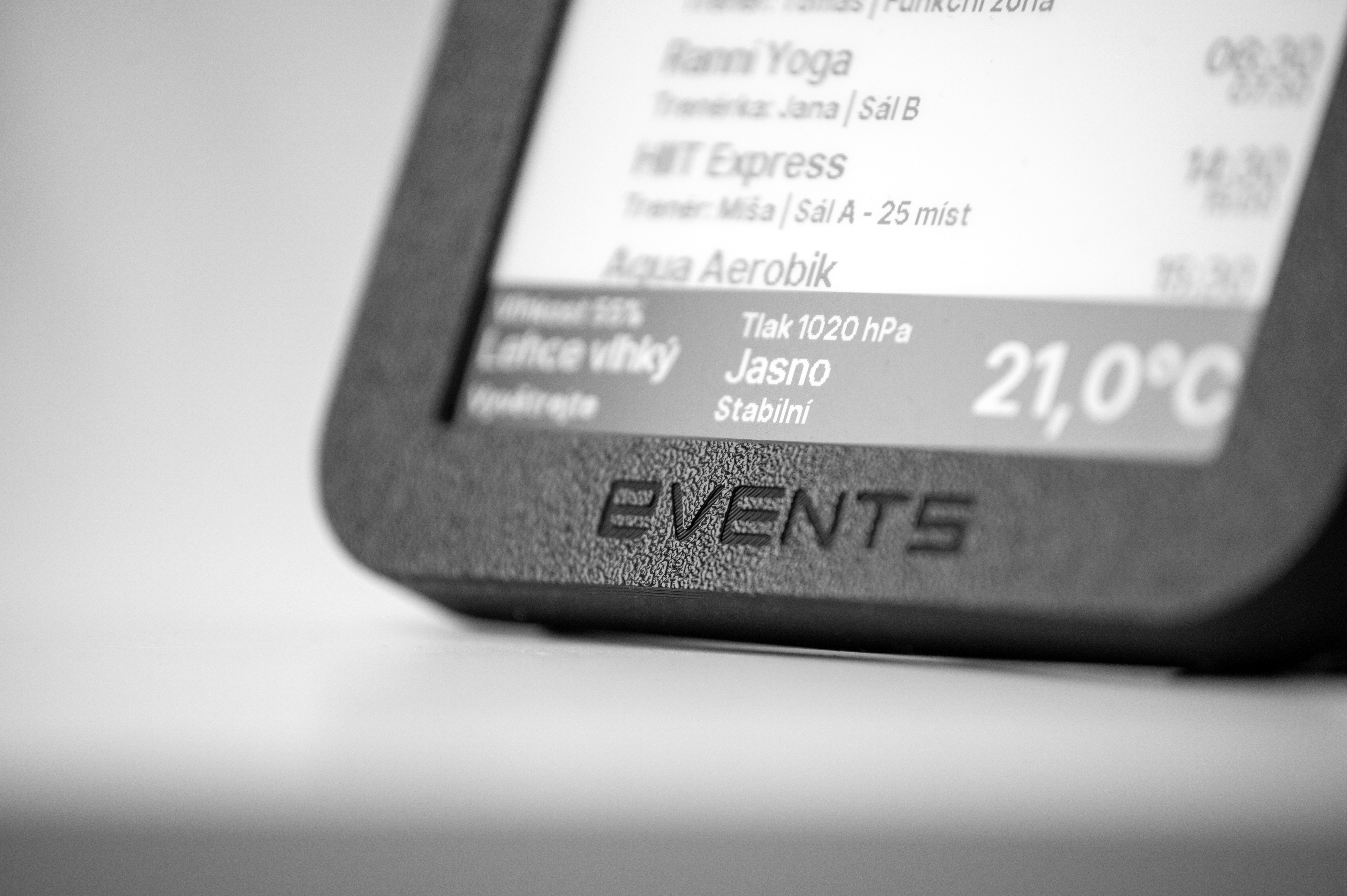
Weather Station Included: Temperature, Humidity, and Pressure "Forecast"
EVENT STATION isn't just a calendar. A BME280 sensor is built directly into the device, measuring temperature, humidity, and atmospheric pressure – no external connections or additional purchases needed. On the e-ink, it's not "science" but practical information for everyday life.
Humidity "Human-Readable"
Instead of meaningless percentages, you get a clear status: Very Dry / Dry / Ideal / Humid… and simple recommendations like "Humidify" or "Ventilate". (Adapted for winter and summer.)
Pressure and Trend
From pressure we can read weather changes: improving / stable / worsening. And for accurate values, we take altitude into account (set once in the wizard).
Temperature at a Glance
Large number in °C – ideal for kitchen, hallway, office, or shop. No backlight, no disturbance, always readable.
_1B.jpg)
Fitness / Studio
Class and workshop schedule on-site, where customers see it before Instagram. Clear overview without questions at the reception.
Long Battery Life Without Worries
Thanks to e-ink, the image stays even without power. The device "wakes up", quickly updates calendar and weather, and goes back to saving.
- updates every hour during the day – enough for regular planning,
- wakes up at event times to show what's currently happening,
- updates every 3 hours at night (10 PM–6 AM) – no disturbance, saves battery,
- knows how to prevent getting "stuck" too long in active mode.
Simply a device you hang on the wall once – and it works.
Status Indicators: You Know Everything Is Fine
On the display you see important device "health", but still simply and readably.
- battery status in percent + icon,
- Wi-Fi signal strength (5 levels),
- active calendar name in footer.
And if internet goes down, nothing happens – the last overview remains readable on the display.
_4.jpg)
Tampa Bay Fan Calendar
Game schedule, important dates, and game days clearly on the wall. You always know when to cheer – without monitoring apps.
Setup in Minutes (No App Required)
After turning on, EVENT STATION creates its own Wi-Fi and opens a simple setup wizard. Everything is done from your phone – quickly and stress-free.
- select your home Wi-Fi and enter password,
- add links or access to up to 8 calendars,
- set timezone and altitude (for pressure),
- QR code available for quick connection,
- factory reset with one long press.
Updates That Keep Up with the Times
Online services sometimes change. That's why EVENT STATION can securely receive new system versions – wirelessly. When we add a new feature or improve compatibility, you have it at home.
- checks for new version over internet,
- wireless update,
- clear information on display that update is in progress.
Pre-configured Calendars – Just Pick One
Besides your own calendars, you have access to a library of public calendars right in the settings – just click and select. No need to search for links or copy URLs.
🎉 Holidays
- National holidays (US, UK, DE, CZ, PL…)
- Christian, Islamic, Jewish holidays
- UN International Days
🏒 NHL & NBA
- All NHL teams 2025/26
- All NBA teams 2025/26
- Games directly in your calendar
⚽ Football / Soccer
- UEFA Champions League
- Premier League, Bundesliga, La Liga, Serie A, Ligue 1
- FIFA World Cup 2026, UEFA Euro
🏎️ Motorsport
- Formula 1 – races, qualifying, sprints
- Option for races only or full schedule
🌌 Astronomy
- Celestial events (eclipses, conjunctions, meteors)
- Moon phases
🎭 Fun & Hobby
- Fun holidays (Sci-Fi Day, Tolkien Day…)
- Awareness days
- Animals and nature
Calendars are regularly updated – new seasons and events are added automatically with firmware updates.
What You Get (In Brief)
Large E-ink Display
Readable like paper. Black and white image with red highlighting (Sundays, important events).
Cloud Calendars
Up to 8 sources at once (Google / iCloud / Nextcloud / iCal links).
Weather Included
Temperature, humidity, and pressure with simple evaluation and trend.
Simple Setup
No app needed, from your phone in minutes.
Battery + Wi-Fi
Power-saving operation, battery and signal status visible directly on display.
Updates
When we add improvements, the device can get them automatically over the internet.
Choose Your Display Size
EVENT STATION is available in two sizes. Both variants offer the same performance, easy setup, and long battery life – they mainly differ in how much space you have for displaying events.
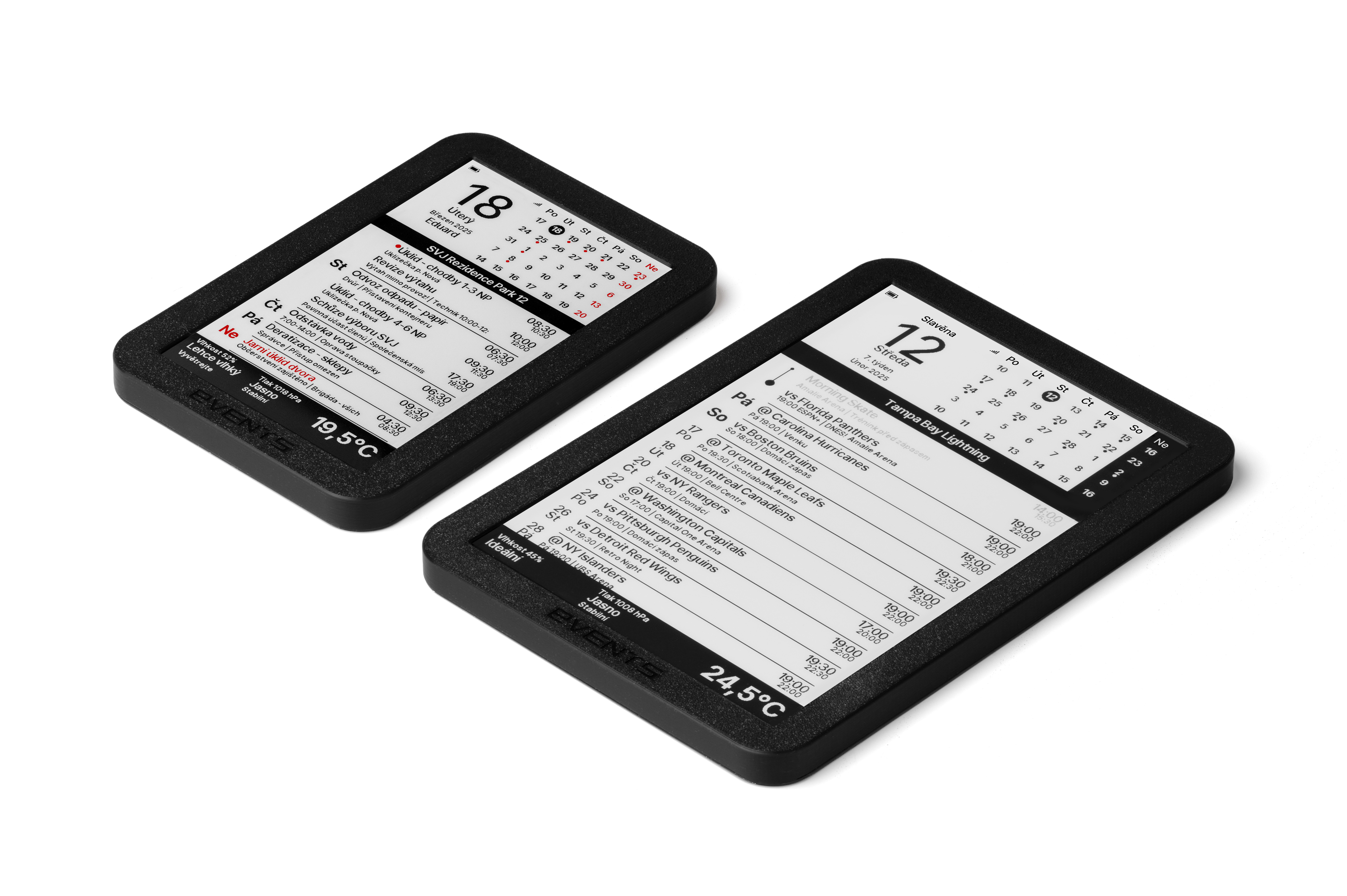
| Parameter | 7.5″ Display | 10″ Display |
|---|---|---|
| Screen size | 7.5 inches | 10.2 inches |
| Resolution | 800 × 480 px | 960 × 640 px |
| Colors | ● black / white / red | ● black / white |
| Device dimensions | 196 × 131 × 14 mm | 248 × 177 × 14 mm |
| Refresh time | ~12 s | ~4 s |
| Ideal for | Homes, smaller offices | Meeting rooms, receptions, larger spaces |
Why is the 10″ variant more expensive? Larger diagonal panels are premium components – unfortunately, their manufacturing cost is roughly 2× higher than the 7.5″ version. In return, you get faster refresh times and more space for your events. Additionally, the 10″ version works exclusively in black and white – we elegantly work around the missing red color by using grayscale shading, so important events (Sundays, etc.) remain visibly distinct.
Will It Work with My Calendar?
If your calendar supports sharing via iCal or standard sync (Google / iCloud / Nextcloud), EVENT STATION will handle it. Just add the link or access – and done.
Do I Need to Install an App?
No. Everything is set up through a simple web page that opens when you connect to the device. You manage calendars where you have them today – EVENT STATION just displays them smartly.
What If Wi-Fi Goes Down?
Nothing major. The last loaded overview remains readable on the e-ink. Once Wi-Fi returns, EVENTS will update everything again.
Can I Choose a Different Color?
Yes! Thanks to 3D printing, we manufacture EVENT STATION in various colors. Standard is black, with no extra charge we also offer gray and white. Individually, we can produce other colors or combinations (for example, different front and back parts – a black-red combination looks great). Just specify your request in the order notes.
Which Languages Are Supported?
EVENT STATION supports 4 languages: English, German, Czech, and Polish. Day names, month names, and all display texts automatically adapt to the selected language. We also include a database of Czech and Polish name days, which are displayed automatically by date.
Can I Increase Font Size for Seniors?
Yes! In settings you'll find an "Event density" option with three levels: Compact (smaller font, more events), Normal, and Large (larger font, fewer events – ideal for seniors or reading from a greater distance). We don't currently plan larger display formats (A4 etc.), but the 10″ variant offers significantly more space.
Why Don't I Have EVENTS on My Wall Yet?
You have events on your phone. But at home you still ask around. EVENTS turn that into a calm, readable overview for the whole family or team.
One glance – and you know what's today, what's happening now, and what's next. No light, no disturbance, long battery life, and weather station included.
Product rating
Leave a rating
List of ratings
 Václav Maněna
Discussion
List of discussions
 Změna interlavu aktualizace kalendáře
CHOZE
Změna interlavu aktualizace kalendáře
CHOZE
 Změna interlavu aktualizace kalendáře
Administrator
Změna interlavu aktualizace kalendáře
Administrator